7 Lead Generation Landing Page Examples to Crush Your PPC Conversions in 2026

If you’re burning cash on Google Ads but sending clicks to generic pages, you’re doing it wrong. I learned that the hard way when I dumped €5k into ads that landed on bland homepages—zero leads. Let’s cut the fluff and dig into real lead generation landing page examples that actually move the needle. Think annotated screenshots, direct links and no-BS breakdowns so you can copy what works.
What you’ll learn:
- Strategic dissection of headlines, value props, forms, CTAs and layouts
- Measurable metrics, A/B test ideas and optimization tips
- Behind-the-scenes tactics from dynares, Unbounce, Leadpages and more
We cover seven top platforms:
- dynares
- Unbounce
- Leadpages
- Webflow Templates
- ThemeForest
- HubSpot Template Marketplace
- Mailchimp
Paid search intent demands pinpoint relevance: mismatch your headline or CTA and watch your conversion rate dive. We tackle this head-on with candid assessments, practical takeaways and ready-to-use template snippets. Expect clear insights on mobile behavior, social proof placement and performance benchmarks. Ready to supercharge your click-to-conversion rate? 🚀
1. dynares
dynares is an AI-powered platform built for PPC managers and performance marketers who want to scale personalized search experiences without the grunt work. Its end-to-end automation handles keyword research, ad creation, landing page builds, smart forms, A/B testing and revenue-focused optimization.
Key features
Here’s why dynares stands out among lead generation landing page examples:
- Per-keyword personalization at scale
Generate thousands of ad-page pairs that match user intent automatically - Revenue-aware conversion uploads
Push conversion values into Google Ads to optimize for ROAS, not just volume - Auto A/B testing and real-time analytics
Keep top performers live while sidelining underachievers - All-in-one workflow
Keyword research, ad builder, landing page creator and form templates in one - Seamless integrations
Connect with Google Ads, Google Tag Manager and HubSpot in minutes
One client saw a 4x uplift in conversions on targeted search traffic, and another hit a 7x ROAS boost within the first month of rollout.
Pricing tiers
| Plan | Pages | Pageviews | Monthly Price (billed annually) |
|---|---|---|---|
| Free | Up to 3 | 1,000 | €0 |
| Starter | 30 | 5,000 | €23 |
| Pro | 150 | 50,000 | €194 |
| Business | 500 | 500,000 | €612 |
dynares offers transparent, tiered plans to match your scale. All plans include the landing page creator and basic support.
Custom enterprise deployments and priority support are available on request.
Strategic analysis
dynares deserves its spot among top lead generation landing page examples because it fixes two killer PPC bottlenecks:
- It slashes back-and-forth between copywriters, designers and developers
- It feeds real revenue data into Google’s machine learning
- It scales hyper-relevant variants so each keyword feels bespoke
Result: higher click-through rates, stronger Quality Scores and lower cost-per-acquisition.
Practical tips for users
To squeeze maximum ROI out of dynares:
- Start with clear brand guidelines and tone-of-voice docs
- Use your top-performing keywords as templates for A/B test variants
- Schedule weekly analytics reviews to swap in new winners
- Leverage the form builder’s progressive profiling to reduce friction
Learn more about the landing page creator on dynares.ai and launch your first keyword-specific page in minutes.
Pros and cons:
- Pros: Rapid scaling, revenue optimization, integrated testing, deep analytics
- Cons: Initial setup requires governance, focus on Google Ads only
2. Unbounce
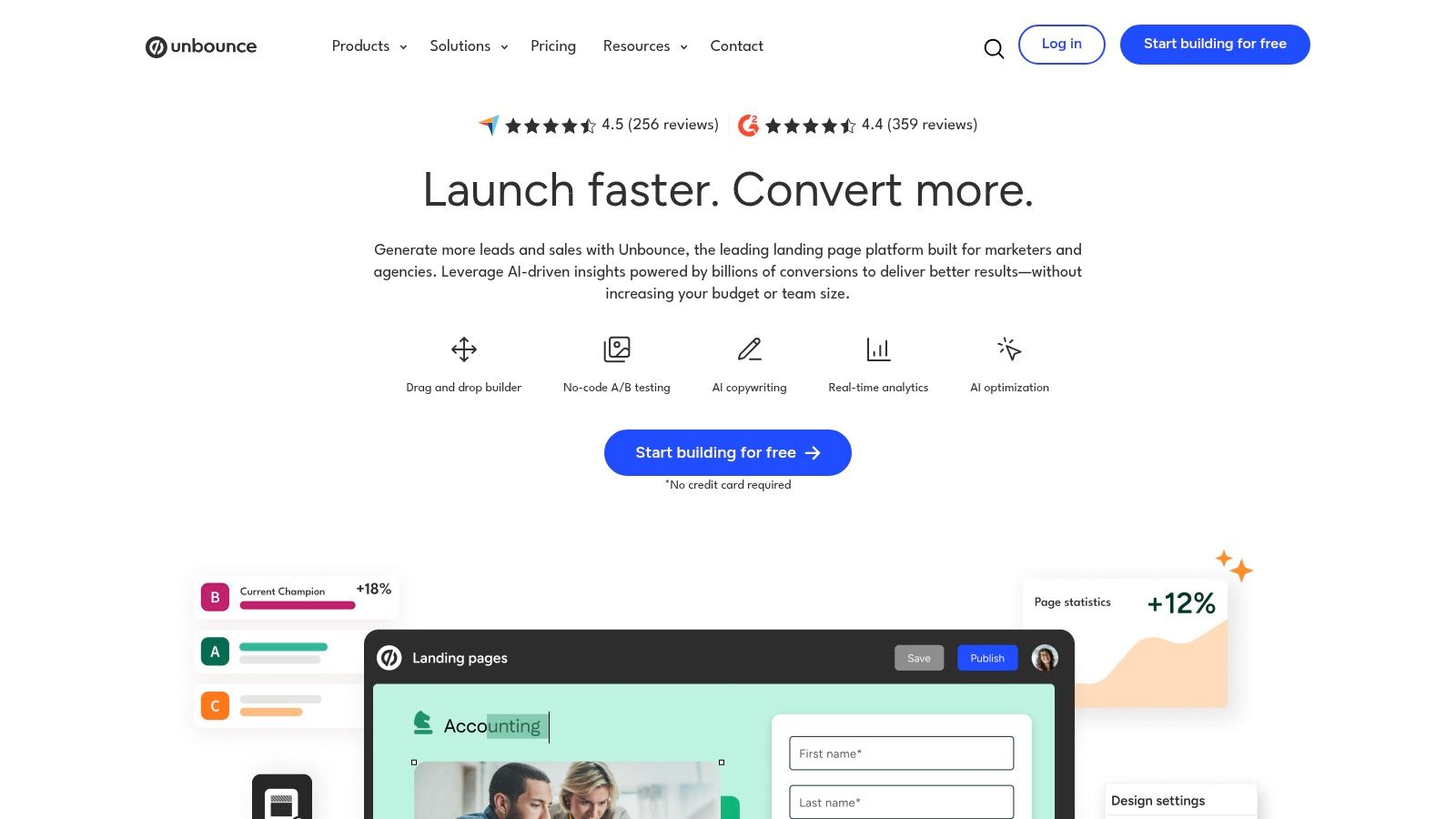
Unbounce is a mature landing-page platform for performance marketers who hate waiting on dev sprints. Its gallery of real lead generation landing page examples plus a library of purpose-built templates makes it painless to reverse-engineer high-converting pages.
What Unbounce offers
- A massive gallery of live examples you can clone
- Drag-and-drop page builder with popups and sticky bars
- Built-in A/B testing and easy publishing to your domain or WordPress
- AI copy tools suggesting headlines, subheads and CTA text
Pricing and access requirements
| Plan | Monthly Traffic | Templates & AI Tools | Trial |
|---|---|---|---|
| Launch | 5,000 visits | Core library | 14 days |
| Optimize | 30,000 visits | Full library + AI | 14 days |
| Accelerate | 100,000 visits | Team features | 14 days |
Traffic-based pricing means keep an eye on spend as you scale.
Why it works for paid search
Unbounce nails paid search intent by letting you:
- Spin up dedicated pages in minutes, matching ad copy to landing experience
- Run multivariate and A/B experiments without engineering
- Leverage social proof blocks, trust badges and dynamic text to boost relevance
Focused landing pages reduce friction. Unbounce’s design freedom means you’re not shoehorning a form into a product page.
Actionable takeaways
- Pick a gallery example, swap in your own value props
- Use sticky bars or exit-intent popups to recapture leaving visitors
- Test headline variations weekly with the A/B engine
- Integrate with your CRM or email tool via webhook for instant follow-up
Pros and cons:
- Pros: Quick ideation, robust trial, all-in-one builder and testing
- Cons: Pricing scales with traffic, top templates need an account
3. Leadpages
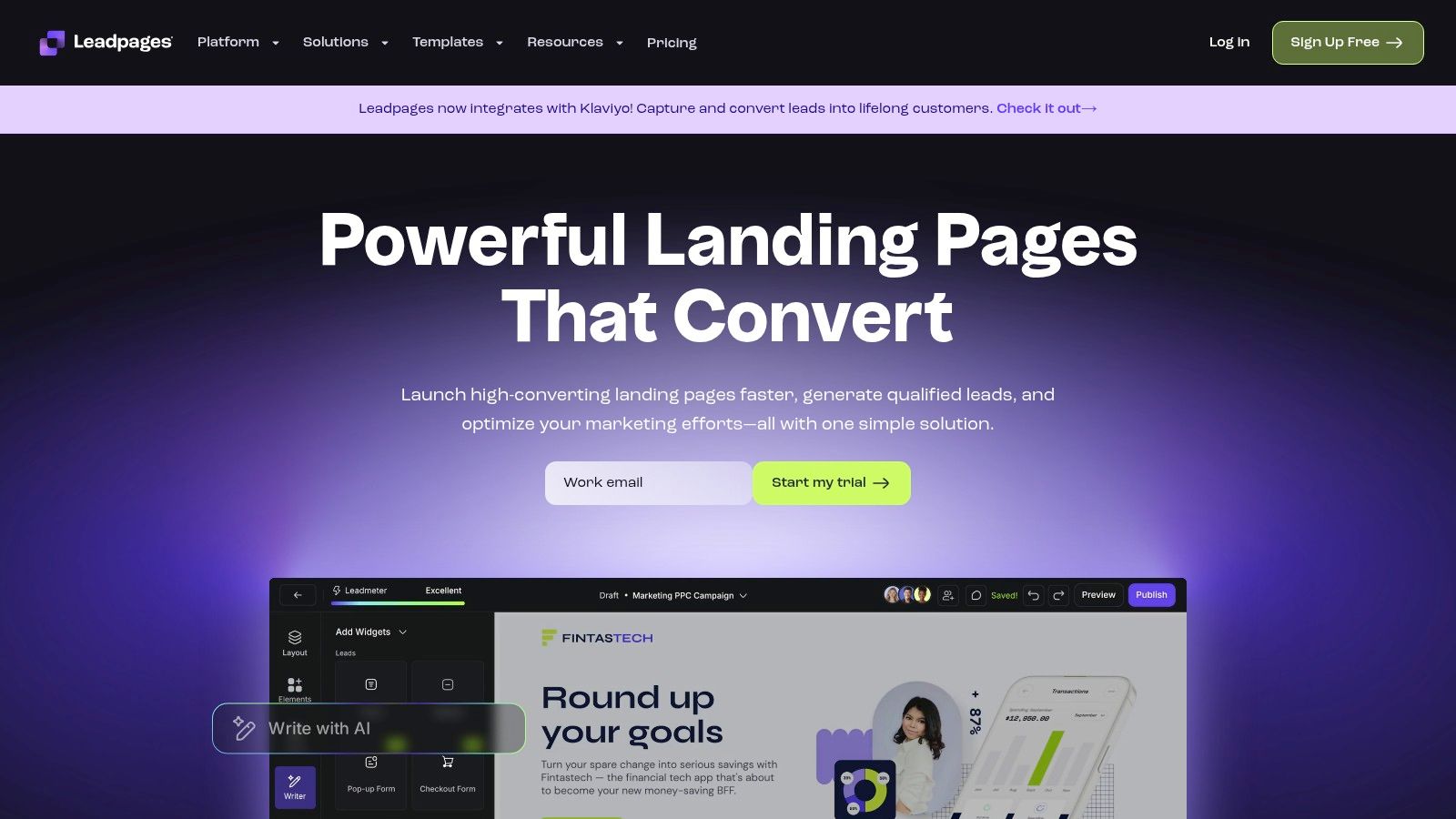
Leadpages gives you 250+ templates optimized for lead magnets, webinars, newsletters and more. Its examples hub is gold for reverse-engineering high-performers before you build.
What leadpages offers
- Large, categorized template library for lead gen, e-com, events
- Built-in A/B testing plus AI headline and CTA suggestions
- Leadmeter guidance scoring pages on best practices
- Detailed example breakdowns showing social proof, form layouts
Pricing and access requirements
PlanLanding PagesA/B TestingLeadmeter & AI ToolsTrialStandardUnlimitedNoCore templates14 daysProUnlimitedYesAI copy, popups14 daysAdvancedUnlimitedYesTeam collaboration API14 days
Pro plan unlocks AI features and popups.
Why it works for paid search
- Templates map perfectly to PPC funnels
- Leadmeter flags missing trust signals before launch
- Example hub surfaces layouts proven in your niche
If you skip a dedicated lead page, you’re telling Google Ads to send traffic to a generic page. Leadpages forces you to focus on friction-free opt-ins.
Actionable takeaways
- Clone a template that matches your ad copy flow
- Run headline A/B tests for at least two weeks before scaling budget
- Use Leadmeter’s checklist to add missing elements like privacy disclaimers
- Sync your form with your CRM via webhook for faster follow-up
Pros and cons:
- Pros: Fast drag-and-drop setup, unlimited pages on paid plans, detailed examples
- Cons: Best AI features need Pro plan, design freedom limited vs CMS
4. Webflow templates
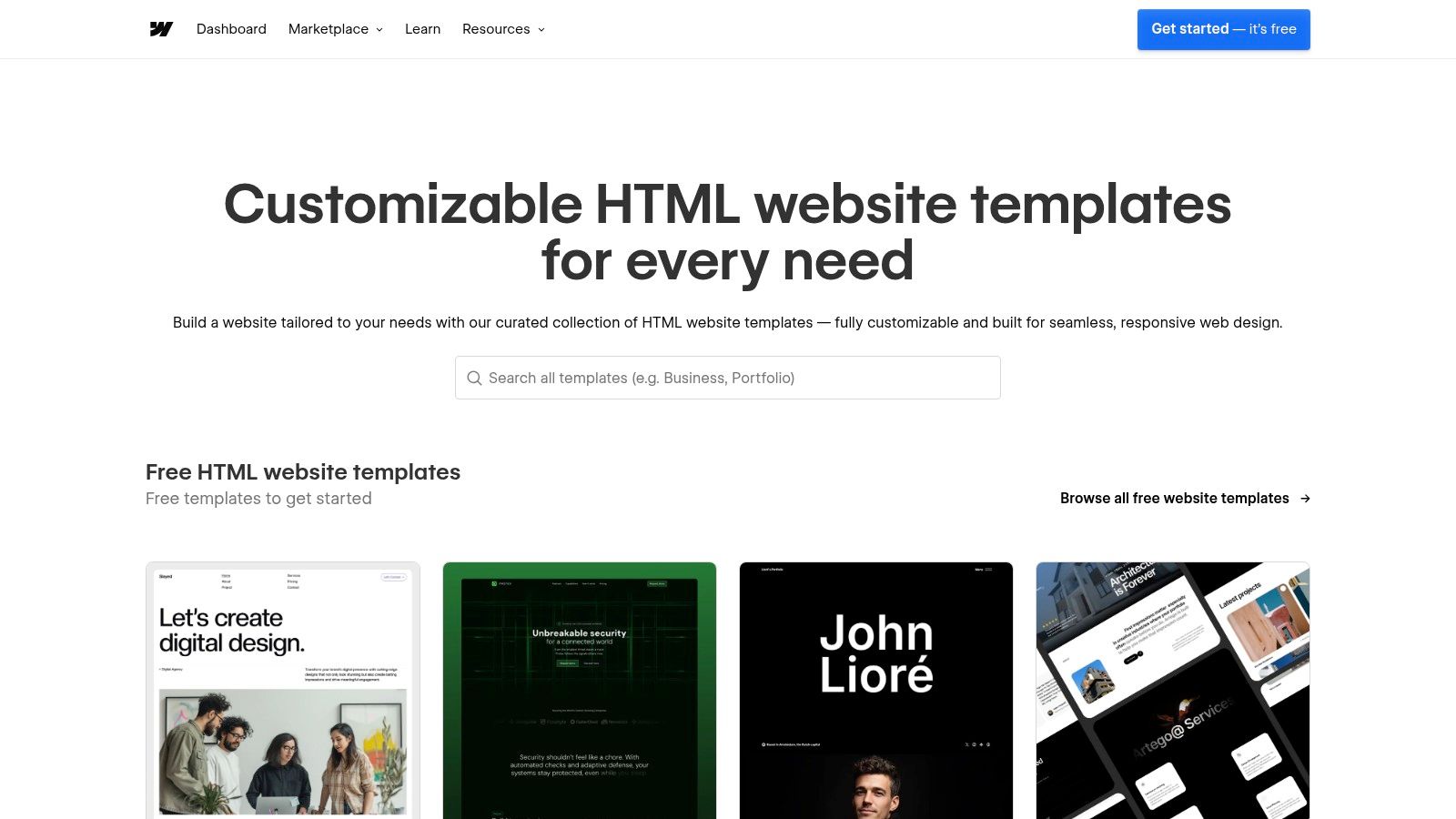
Webflow Templates is the official hub for designer-grade landing page themes built right into Webflow. Perfect if you need modern, responsive lead generation layouts without reinventing the wheel.
What Webflow templates offers
- Curated library filtered for lead gen
- Modern, responsive designs with latest UI trends
- One-click clone and live preview on desktop and mobile
- Clear license details and up-front pricing
- Optional expert customization from Webflow Specialists
Pricing and access requirements
| Plan | Cost per Template | Features | Trial |
|---|---|---|---|
| Free Templates | €0 | Basic lead gen layouts | N/A |
| Premium Templates | €49–€149 | Advanced interactions, CMS setup | N/A |
| Enterprise Kits | €199+ | Expert customization included | N/A |
You need a Webflow account to clone. Hosting on Webflow gives the best performance.
Why it works for paid search
- Clone templates that match ad copy and brand instantly
- Responsive layouts slash mobile bounce rates
- Clean code and Webflow’s CDN boost load speed
- Transparent pricing lets you budget per campaign
High-quality design establishes trust before prospects even see your form
Actionable takeaways
- Pick a template with a bold headline section and test two variants
- Swap placeholder images for customer photos for social proof
- Use Webflow interactions to highlight form fields
- Hire an expert for one-off CSS tweaks if you hit a roadblock
Pros and cons:
- Pros: Designer-grade polish, live previews, expert support available
- Cons: Learning curve if new to Webflow, hosting requirement, premium cost
5. ThemeForest (Envato Market)
ThemeForest is a vast marketplace for lead generation templates across HTML, Unbounce, Elementor and more. Perfect for budget-conscious PPC teams who need plug-and-play designs without subscription fees.
What ThemeForest offers
- Wide format support: HTML, Unbounce, Elementor, Shopify and more
- Live demos and previews to vet layouts and mobile behavior
- Seller ratings and reviews spotlight quality authors
- One-off pricing, often under €25, with optional support add-ons
- Regular updates and months of free support on many items
Pricing and access requirements
| Purchase Type | Price Range | Support Period | Renewal Option |
|---|---|---|---|
| Single Template | €2 – €25 | 6 months free | Extend +€20/year |
| Extended License | €600+ | 6 months free | Extend +€20/year |
You need an Envato account to buy—no subscriptions required
Why it works for paid search
- Rapid procurement of niche designs that match ad intent
- Compare multiple demos in minutes to find top layouts
- One-off fees keep budgets predictable
- Community ratings surface well-supported assets
When you juggle multiple client campaigns, grabbing a proven template beats building from scratch every time
Actionable takeaways
- Filter by “Lead Generation” and sort by highest sales
- Test mobile demos; many HTML packs need extra CSS tweaks
- Check update history so templates don’t break on modern browsers
- Clone sections into your builder, then swap in your own headlines
- Add popups or sticky bars if the base form feels too sparse
Pros and cons:
- Pros: Extremely budget-friendly, no monthly fees, live demos for vetting
- Cons: Quality varies by author, self-hosting required, support lapses after initial period
6. HubSpot template marketplace
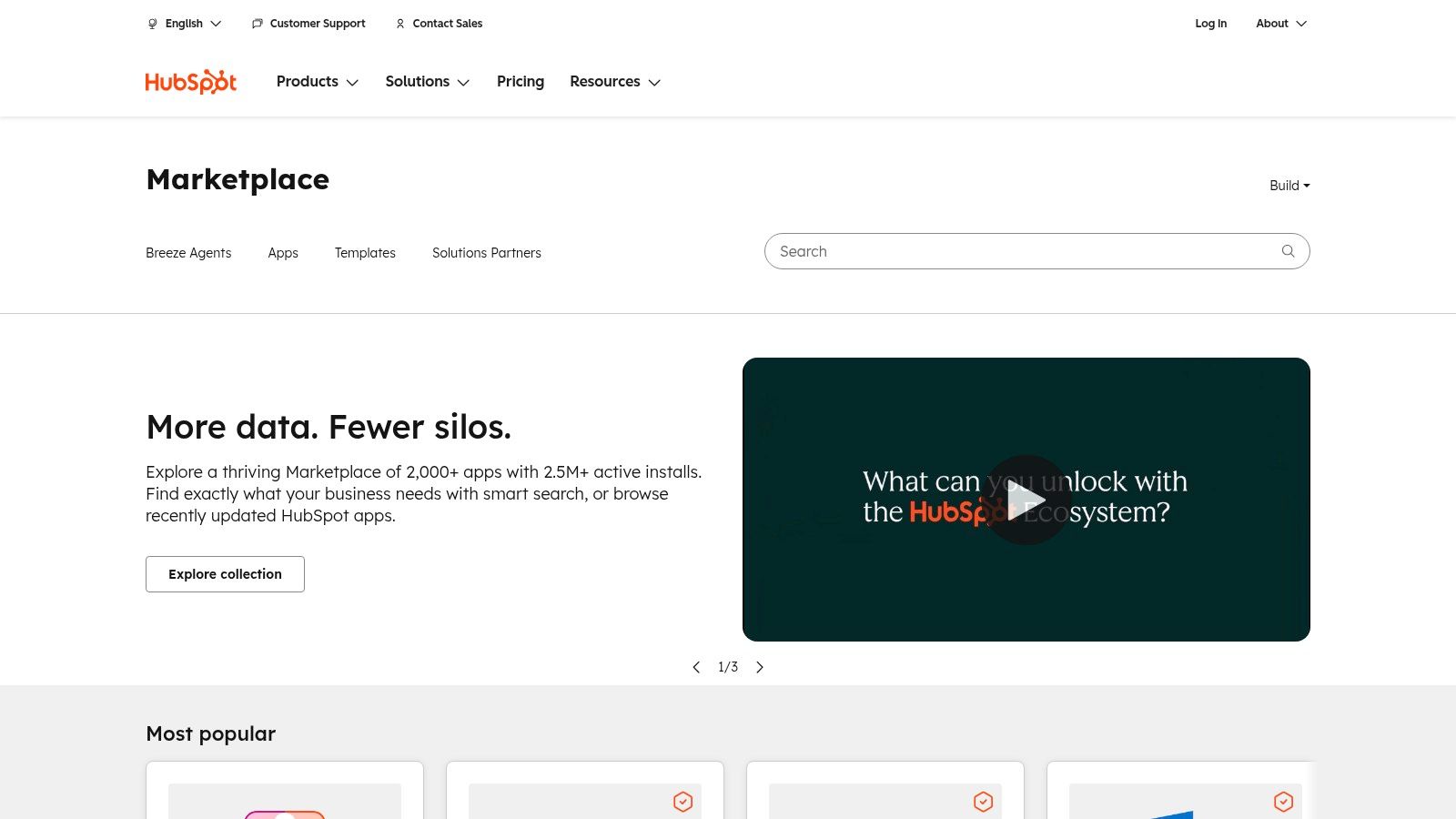
HubSpot Template Marketplace hosts HubSpot CMS themes and modules built for lead capture with offers, eBooks, webinars, pricing pages and more. Everything installs in minutes and wires up to HubSpot forms, CRM and automation.
What HubSpot template marketplace offers
- Library of lead-gen themes with user ratings and install counts
- Deep form and CRM integration that auto-tracks contacts and workflows
- Free and premium items with vendor support terms and update policies
- Editorial resources on high-converting landing page patterns
- Modules for countdown timers, social proof and dynamic personalization
Pricing and access requirements
| Template Type | Price Range | Support | Best For |
|---|---|---|---|
| Free Themes | €0 | Community forums | Quick proof of concept |
| Premium Themes | €79 – €1,999 | Vendor/partner | Client projects/agencies |
| Custom Templates | Custom quote | HubSpot partners | Enterprise branding |
Account creation and a CMS Hub subscription are required to install free and paid items.
Why it works for paid search
- Installs in minutes so you can pair pages with ad groups fast
- Native HubSpot forms capture UTM parameters and optimize follow-up
- Dynamic modules swap headlines or offers based on visitor source
- Built-in A/B testing in CMS Hub Pro and Enterprise validates PPC copy
Aligning ad copy and page design in one platform slashes friction and improves quality scores
Actionable takeaways
- Filter themes by “lead generation” and sort by rating
- Swap in your logo, colors and form fields, keep tracking scripts intact
- Use countdown modules for webinar pages to inject urgency
- Connect forms to a HubSpot workflow that nurtures new leads instantly
Learn more about HubSpot Template Marketplace on dynares.ai/integrations/hubspot
Pros and cons:
- Pros: Unified pages, forms, CRM and email nurturing, transparent pricing, quick install
- Cons: Requires HubSpot CMS Hub, premium themes can hit €1,999, migration effort if you’re not on HubSpot
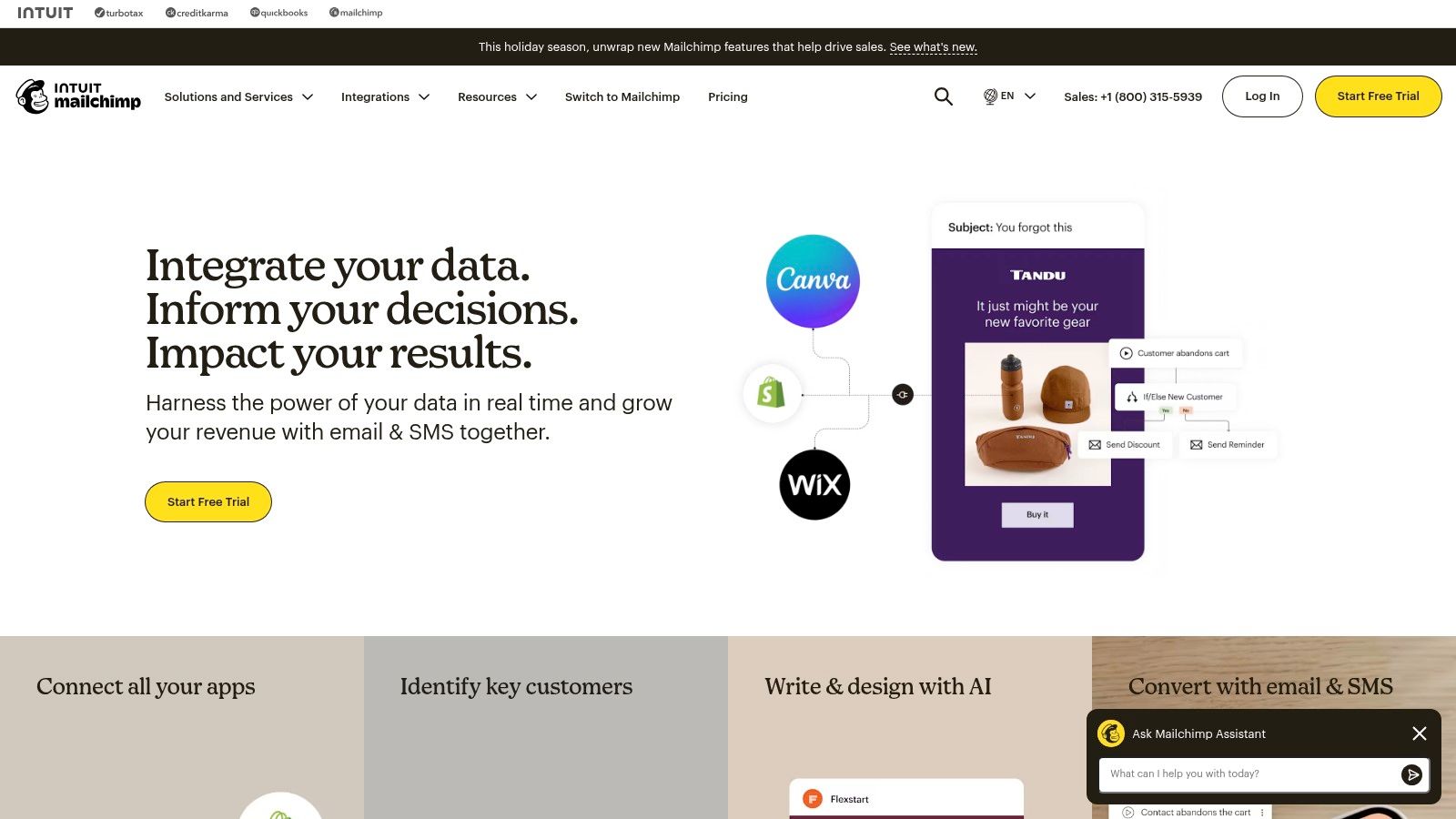
7. Mailchimp
Mailchimp’s landing-page builder is a no-frills way to spin up lead-gen pages in minutes and feed subscribers directly into your email audience. You get themed templates, real-world examples and best-practice guides without leaving the platform.
What Mailchimp offers
- Basic and themed lead-gen templates with drag-and-drop editing
- Library articles showcasing real landing pages and best practices
- Unlimited landing-page publishing on Mailchimp’s infrastructure
- Native integration with audiences, segments and automations
Pricing and access requirements
| Plan | Contacts Limit | Landing Pages | Automations | Trial |
|---|---|---|---|---|
| Free | 1,000 | Unlimited | Single-step emails | None |
| Essentials | 50,000 | Unlimited | Multi-step workflows | 30 days |
| Standard | 100,000 | Unlimited | Behavioral targeting | 30 days |
Account creation is instant and you can publish on a Mailchimp URL or custom domain.
Why it works for paid search
- Spin up dedicated pages that mirror ad copy for better Quality Scores
- Embed signup forms feeding straight into email flows for instant follow-up
- Use audience segments to trigger tailored automations by ad source
Quick deployment and native email link-ups mean you can test smart before scaling ad spend
Actionable takeaways
- Clone a high-traffic template and swap in your brand elements
- Use audience segments to trigger drip sequences based on ad clicks
- A/B test headlines and form length week-over-week to boost conversions
Pros and cons:
- Pros: Free tier with unlimited pages, direct tie-in to email campaigns, simple UI
- Cons: Limited design flexibility, advanced features behind paid plans
Top 7 lead-gen landing page comparison
| Product 🔄 |
Implementation Complexity ⚡ |
Resource Requirements ⭐ |
Expected Outcomes 📊 |
Ideal Use Cases 💡 |
Key Advantages ⭐ |
|---|---|---|---|---|---|
| dynares | High — setup and governance required | Moderate–High — subscriptions, integrations, reviews | Very high conversion & revenue optimization (4x conv, 7x ROAS) | PPC managers, agencies, SMBs scaling per-keyword | Per-keyword personalization; revenue-aware uploads; testing & analytics |
| Unbounce | Low — drag-and-drop builder | Moderate — subscription with traffic limits | Solid lead capture & reliable A/B testing | Teams wanting plug-and-play builder + testing | Large example library; rapid validation |
| Leadpages | Low — template-first setup | Moderate — paid plans for best features | Good conversion outcomes with guidance | Lead magnets, webinars, newsletters | Conversion guidance; detailed examples |
| Webflow Templates | Medium — Webflow skills/hosting needed | Moderate — one-time template cost + hosting | High design polish & UX; depends on implementation | Designer-grade, responsive pages | Modern templates; live previews; expert support |
| ThemeForest | Low–Medium — depends on format | Low — budget-friendly one-offs | Variable — quick launches, quality varies | Budget buyers and agencies | Huge variety; no subscriptions; live demos |
| HubSpot Template Marketplace | Medium — smooth in HubSpot | High — best with CMS Hub | Strong integrated outcomes with CRM & automation | HubSpot users for pages, forms, CRM | Deep integration; ratings and resources |
| Mailchimp | Low — instant hosted pages | Low — free start, scalable | Good for list-building; limited advanced control | Small businesses testing email funnels | Native audience & automations; free entry |
Putting insights into action
Summarize key insights
Our deep dive into seven top lead generation landing page examples revealed patterns that act like conversion magnets:
- Clarity in headline/subheadline alignment with ad intent
- Social proof above the fold for instant credibility
- Streamlined forms asking only what’s necessary
- High-contrast, action-focused CTAs that pop
- Mobile-first layouts that load fast and adapt flexibly
Essential takeaways
The real winners marry strategic messaging with user psychology insights. Your page must speak your audience’s language, address objections and guide them toward that single goal. Make every element count.
The best lead generation landing page examples feel personal, urgent and credible all at once.
Actionable next steps
- Select a winning template from dynares or Unbounce for your niche
- Sketch headline and subheadline around one core value prop
- Set up A/B tests on form length and CTA text for quick wins
- Monitor conversion rates in real time and iterate weekly based on data
Choosing the right tool
Your tech stack shapes your workflow more than you think:
- Ease of setup vs customization depth
- Native integrations with Google Ads, email and CRM
- Reporting dashboards and real-time analytics
- Pricing model and scalability as ad spend grows
Looking ahead – future trends
AI-led copy and design optimization will become table stakes. Voice search compatibility, interactive micro-animations and hyper-personalized content will reshape how we capture leads. Stay curious, test relentlessly and embrace new frameworks before your competitors even notice 😎.
Implementation checklist
Before you hit publish, double-check these pillars so your page converts from day one:
- Headline and subheadline match your ad copy
- Image alt text and file sizes optimized for speed
- Load speed tested on desktop and mobile
- Form field labels and button accessibility verified
- Tracking pixels in place for accurate attribution
The future of landing page optimization belongs to those who act fast, learn quickly and never stop iterating.
If you want to generate landing pages that adapt to your audience in real time, give dynares a spin. Head over to dynares and see how AI-powered templates can accelerate your lead generation efforts.


