
Let's be direct. You're here for high-quality google ads examples, not another boring lecture on PPC 101. Most articles on this topic are a total waste of time. They show you a few random screenshots with zero context, leaving you with nothing you can actually use. This isn't one of those articles.
This is my personal breakdown of the best places to find, analyze, and get inspired by real-world Google Ads. It’s a toolkit for founders, PPC managers, and agencies who need to see what's actually working right now and understand the strategy behind it. No more guessing what your competitors are doing or what a winning ad looks like in a new market.
We're going to dive into platforms that let you reverse-engineer successful campaigns. For each one, I'll give you the tactical lowdown: how to use it, what to look for, and how to turn those insights into ads that actually make money. I’m talking about dissecting ad copy, analyzing landing pages, and figuring out the targeting logic behind top-performing campaigns.
I’ve included screenshots and direct links for every tool, so you can jump right in. The goal is simple: give you a curated arsenal of resources to find endless Google Ads examples, so you can stop guessing and start building campaigns that deliver real ROAS. Let's get into it.
1. Google Ads transparency center
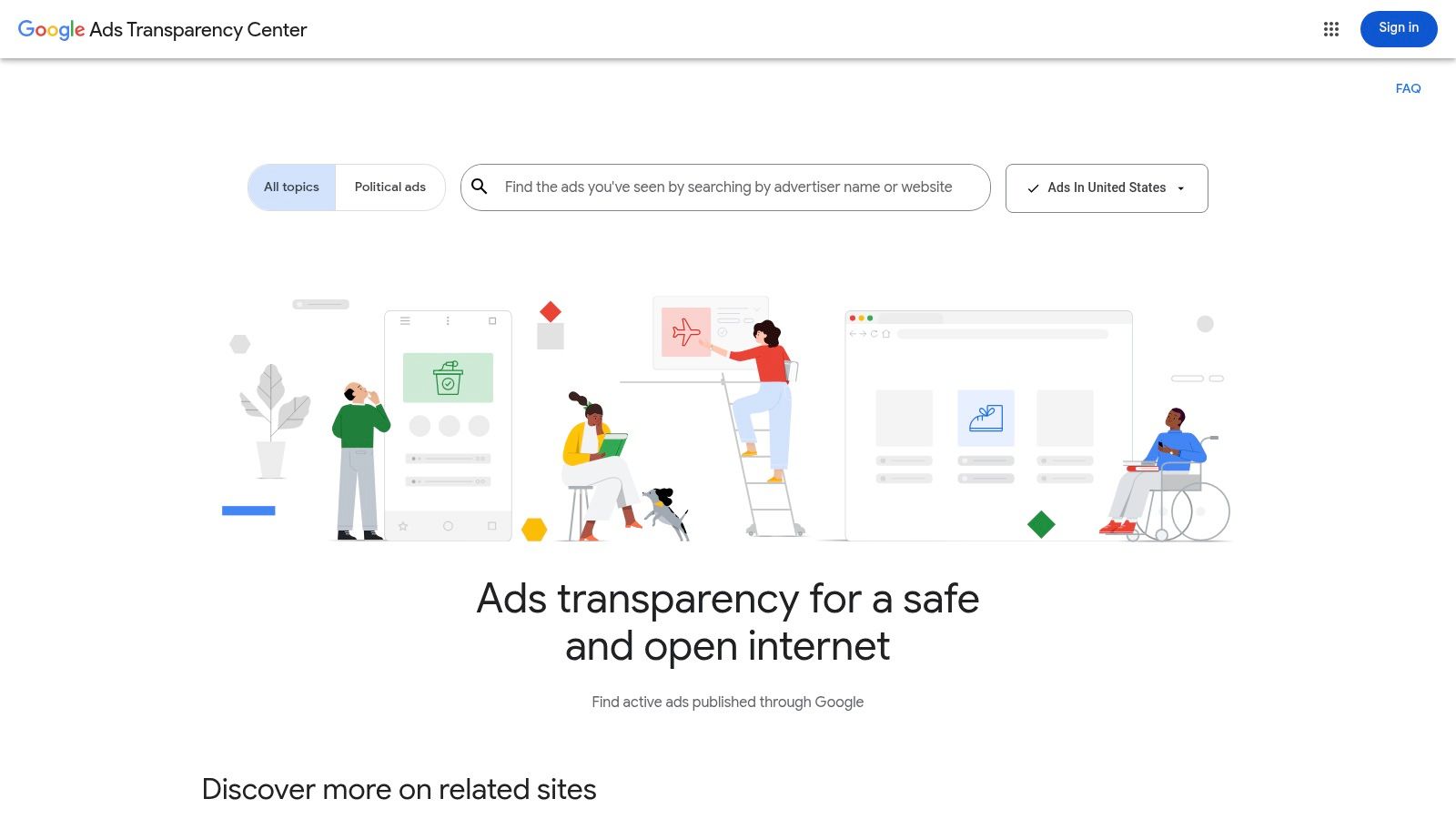
The best place to find credible google ads examples is straight from the source. The Google Ads Transparency Center is Google's own searchable database of ads. Forget sketchy third-party spy tools; this is the ground truth for what verified advertisers are actually running.
It’s an official, first-party library where you can look up any advertiser and see their creative portfolio across Search, YouTube, and the Google Display Network. I use it constantly to reverse-engineer competitor strategies and find inspiration for new campaigns. It’s honestly a gift.
Why it's a top resource
This platform is great because it's definitive. You're not looking at scraped data or educated guesses. You're seeing the real ads, exactly as they appeared to users, provided directly by Google. It’s also completely free, which is a massive plus.
While it lacks performance data like spend or CTR, its value is in creative and strategic intelligence. You can dissect a competitor’s messaging, see how they adapt creative for different formats, and track their campaign history. It’s an essential first step in any competitive analysis.
Practical tips for use
To get the most out of the Transparency Center, think like a strategist. Filter by your target country and date range to see relevant, timely examples. Search for a major brand and observe how their messaging shifts between Search, Display, and Video ads. Pay close attention to ad copy variations to understand what angles they are testing.
Ultimately, this tool is less about numbers and more about insight. It helps you understand the creative landscape before you spend your first euro. Pair these insights with the right Google Ads optimization tools, and you have a solid foundation for building high-performing campaigns.
- Pricing: Free
- Access: Publicly available
- Website: https://adstransparency.google.com/
2. Semrush – advertising research
While Google gives you the official source, Semrush gives you the strategic context. Its Advertising Research toolkit is a full-blown competitor intelligence workspace. It goes beyond just showing you google ads examples and helps you understand the keywords, seasonality, and history behind them.
This is where I go when I need to do more than just see a competitor's current creative. Semrush lets me reverse-engineer their entire PPC playbook, from the keywords they bid on to the ad copy they’ve tested over months. For agencies or in-house teams managing serious ad spend, this level of structured data is non-negotiable.
Why it's a top resource
Semrush excels by connecting the dots between an ad and the strategy driving it. You aren't just looking at isolated ad copy; you're seeing it alongside the keywords that trigger it and the traffic it likely generates. This unified view is what separates a basic swipe file from a genuine competitive analysis.
It’s built for action. You can export data, track rivals’ Product Listing Ads (PLAs), and discover keyword gaps. The platform is especially powerful for agencies that need to quickly get up to speed on a new client’s market. It turns raw competitor data into an actionable battle plan.
Practical tips for use
To leverage Semrush effectively, think like an analyst. Use the Ads History report to go back 6-12 months and identify patterns in a competitor's messaging. If you're in e-commerce, the PLA research tool is gold. And use the PPC keyword tool to find high-intent keywords your competitors are bidding on that you're missing. This is often the fastest path to new opportunities.
Semrush is a paid tool, but the depth of insight justifies the investment for any serious advertiser. It provides the competitive intelligence that Google’s free tools simply don’t offer.
- Pricing: Starts at $129.95/month (some features are in higher tiers)
- Access: Subscription-based
- Website: https://www.semrush.com/features/advertising-research/
3. SpyFu – Google Ads ad history
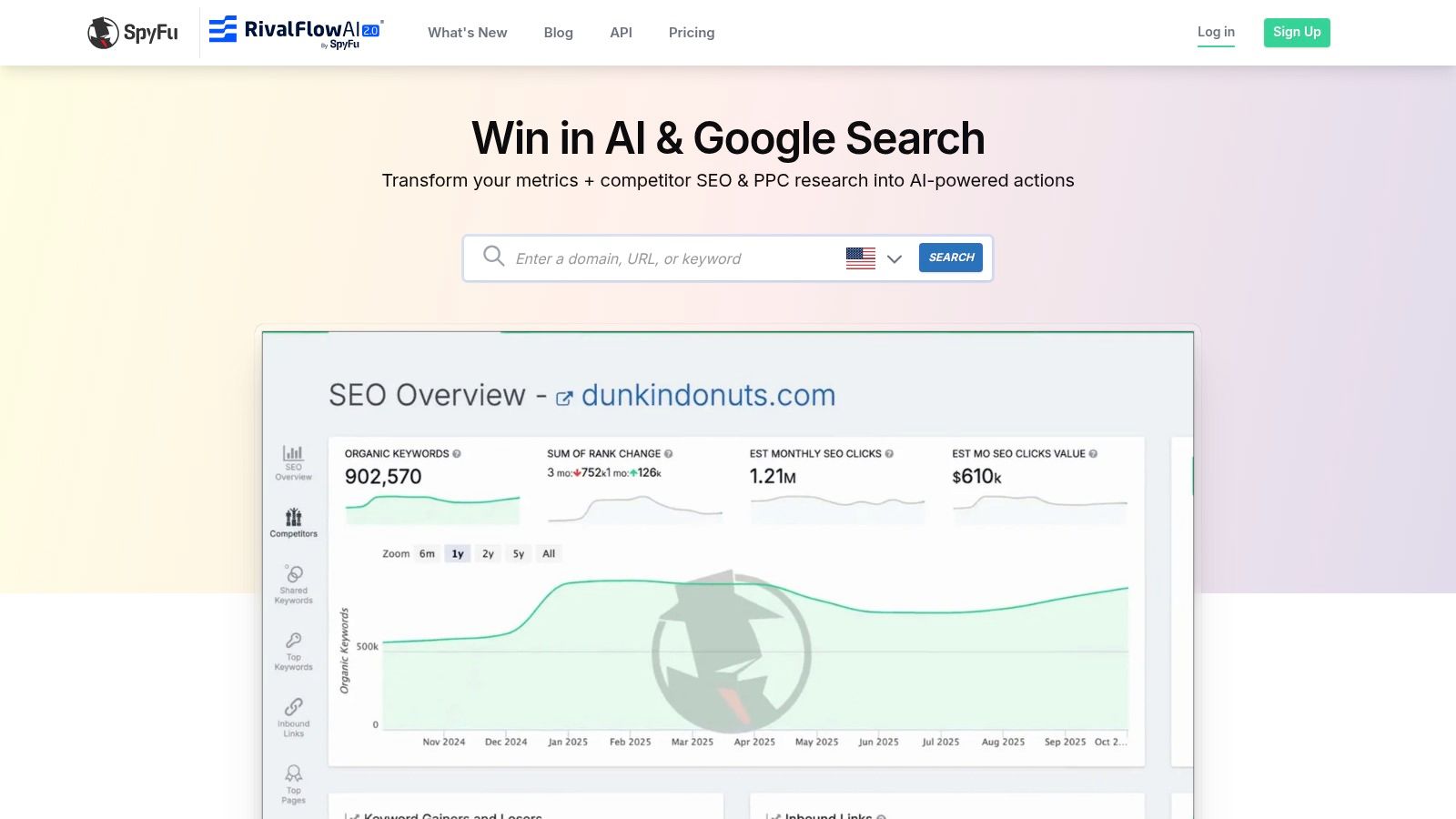
When you need to see the long game, SpyFu is the tool. It's a competitive research platform that excels at providing deep historical coverage of a competitor's google ads examples, particularly for text ads. It's my go-to for building practical swipe files and understanding how a competitor's messaging has evolved.
SpyFu gives you a timeline of ad copy at the domain and keyword level. This isn't just about what they're running now; it's about what they ran six months ago, a year ago, and what they dropped. That historical context is gold for spotting strategic shifts and identifying evergreen messaging that consistently performs.
Why it's a top resource
SpyFu stands out for its deep historical data and practicality. While other tools might offer broader creative libraries, SpyFu zeroes in on the search ad copy that has stood the test of time for your competitors. It’s an efficient way to see which keywords trigger which ads, revealing the core of their paid search strategy.
It's also a budget-friendly option that delivers significant value. The ability to export data and integrate via API makes it a scalable tool for ongoing competitive intelligence. It cuts through the noise and gives you the exact ad copy that has been driving clicks for your rivals.
Practical tips for use
To get real value from SpyFu, you need to think like an archaeologist, digging into past campaigns. Track how a competitor’s headlines and descriptions have changed. Look for promotions they ran last year to anticipate this year's offers. Identify which ad copy is most frequently tied to their most profitable keywords. And when you find a competitor's ad that has been running for over a year, that’s a strong signal it works. Save it.
SpyFu is less about shiny display ads and more about the gritty, effective text ads that form the backbone of most Google Ads accounts. It provides the historical intelligence needed to build a search strategy grounded in proven concepts, not guesswork.
- Pricing: Starts at $39/month (billed annually)
- Access: Subscription required
- Website: https://www.spyfu.com/
4. iSpionage – PPC competitor intelligence + landing page gallery
Seeing ad creative is crucial, but it’s only half the story. iSpionage goes a step further by connecting the dots between an ad and its landing page. It’s a competitive intelligence tool for PPC pros who understand that the click is just the beginning.
This platform lets you monitor competitor keywords and ad copy, but more importantly, it features a curated Landing Page Gallery. This allows you to study the entire funnel from ad impression to conversion, which is an absolute goldmine for finding high-quality google ads examples and understanding post-click strategy.
Why it's a top resource
iSpionage stands out by focusing on the complete user experience. A brilliant ad pointing to a weak landing page is just a waste of money. This tool bridges the gap between your ad campaign and your conversion rate optimization (CRO) efforts.
The platform is built for practical application, offering historical data and alerts so you can track how a competitor’s strategy evolves. For those in the US and other English-speaking markets, it provides an invaluable look at how top advertisers align their messaging from keyword to final call-to-action.
Practical tips for use
To get real value, you need to analyze the full funnel. Use the Landing Page Gallery and analyze how the promise made in an ad is immediately reinforced on the landing page's headline. Browse landing pages by industry to spot common layouts and offer types. This helps you identify proven conversion frameworks before you start building with a landing page creator.
Ultimately, iSpionage teaches you that a great Google Ad is inseparable from a great landing page. Use it to ensure your pre-click and post-click strategies are perfectly aligned.
- Pricing: Starts with a free plan; paid plans from $59/month
- Access: Public with tiered feature access
- Website: https://www.ispionage.com/
5. Adbeat – display ad intelligence
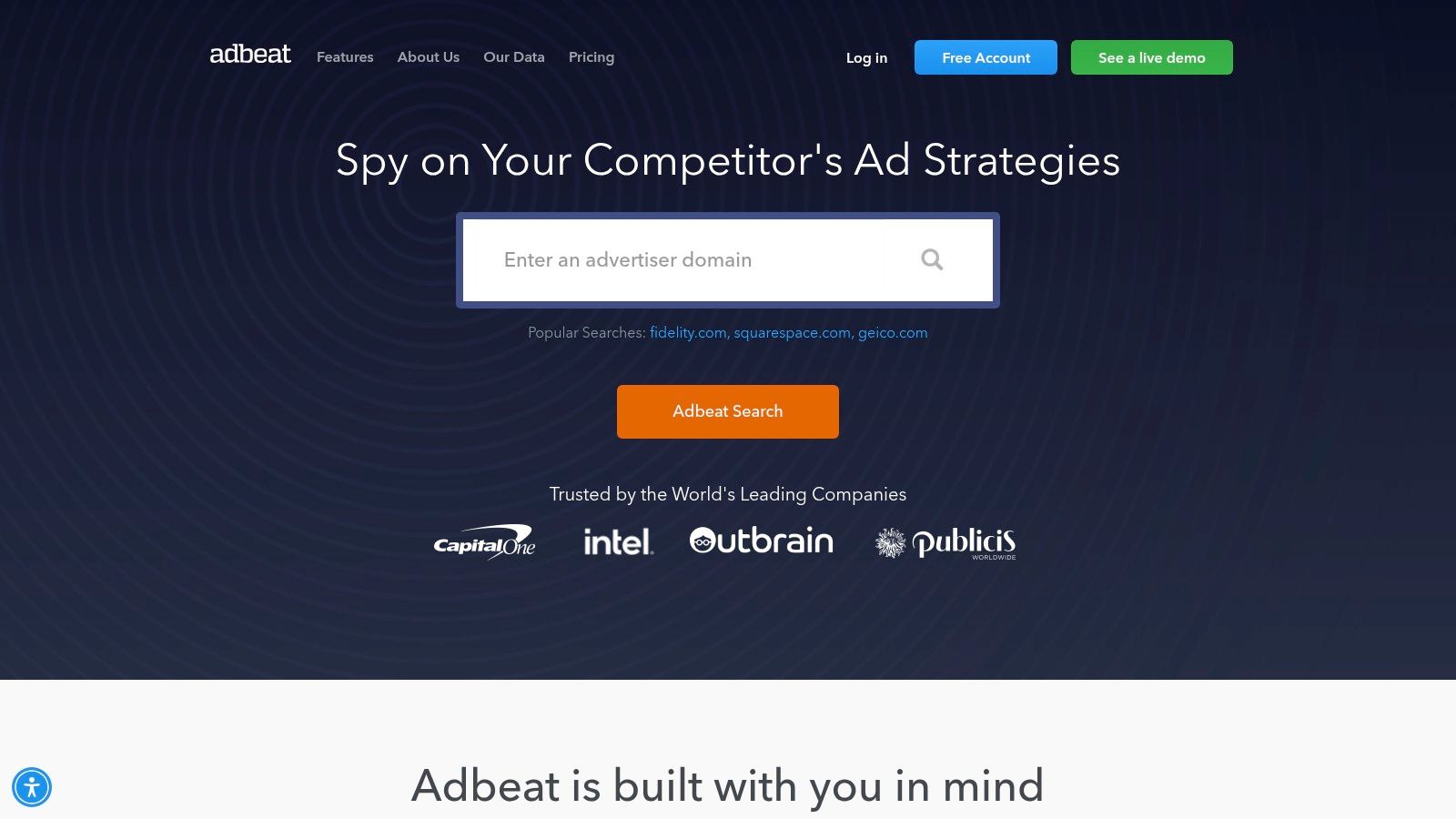
When your focus shifts to the visual side of PPC, particularly the Google Display Network, Adbeat is a specialist tool you need to know. It’s a competitive intelligence platform laser-focused on display advertising, giving you a deep look into the banner ads, publishers, and ad networks your competitors are using. It’s my go-to for deconstructing a successful display strategy.
While the Google Transparency Center is great for a high-level overview, Adbeat digs into the specifics of where and how display ads are running. It helps you answer critical questions like which publishers drive the most traffic for a competitor. This context is gold for planning your own GDN campaigns.
Why it's a top resource
Adbeat stands out because it provides crucial context that other tools miss. Seeing a banner ad is one thing; seeing that it ran primarily on tech news sites tells you about the audience strategy. This is where you find actionable google ads examples for display, complete with the placement data you need to replicate success.
Its strength lies in mapping the entire display ecosystem for an advertiser. You can see the relationship between creatives, landing pages, and the publishers that connect them. For agencies and performance marketers, this is invaluable for building media plans and informing creative tests before spending a single euro.
Practical tips for use
To leverage Adbeat effectively, think like a media planner. Don't just look at the ads; dive into a competitor's top publishers. Is their budget concentrated on major news sites or spread across smaller, niche blogs? This reveals their targeting strategy. Track how a brand's display creatives have changed over time to highlight shifts in messaging or design tests.
Adbeat moves beyond simple creative inspiration and gives you the strategic map behind a competitor's display presence. It’s about understanding the 'where' and 'how' just as much as the 'what'.
- Pricing: Limited free browsing; paid plans available (pricing not public, requires sales contact)
- Access: Public with premium tiers
- Website: https://adbeat.com/
6. Envato elements – google display ad template library
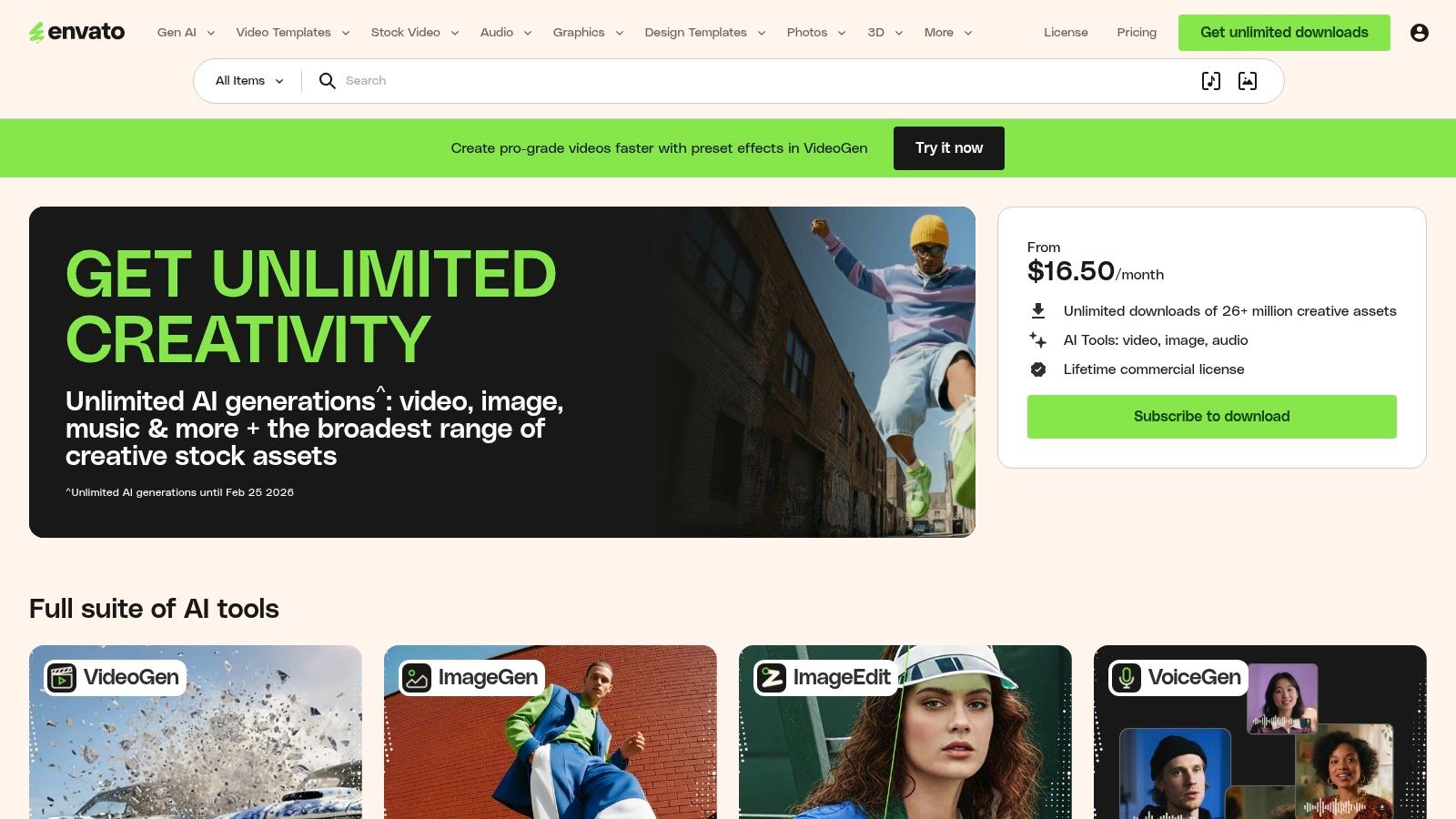
For teams that need to pump out high volumes of display creative, starting from scratch every time is a massive waste of resources. Envato Elements is a subscription-based marketplace that provides a gigantic library of google ads examples in the form of editable banner templates. It's my go-to for quickly prototyping and producing display ad variations.
Instead of paying a designer for every single concept, you get unlimited downloads of ad packs sized for the Google Display Network. This is a game-changer for agencies and in-house teams that need to iterate fast and refresh creative without blowing their budget.
Why it's a top resource
Envato Elements provides incredible value and speed. The sheer volume of templates means you can find a starting point for virtually any industry. For a flat monthly fee, you get access to thousands of PSD, AI, and Figma files, all with a commercial license. It’s a cost-effective way to scale creative production.
The real power here is accelerating your A/B testing workflow. You can grab five different template styles, adapt them with your brand's messaging, and have a full set of variants ready to launch in a fraction of the time. This is a massive competitive advantage.
Practical tips for use
Don't just download and use templates as-is. Treat them as a foundation. Vet contributors by checking their other work to ensure quality. Customize beyond the basics by adjusting color schemes, fonts, and layouts to make the template uniquely yours. And always double-check that the final assets meet Google's technical specifications before uploading.
When creating visual assets, it's vital to ensure the entire journey is optimized. For instance, crafting high-conversion Google Play app screenshots can significantly boost campaign performance. For a more automated approach, you can also explore how an AI-powered ad builder can streamline the process even further.
- Pricing: Subscription-based (starts around $16.50/month)
- Access: Requires a paid subscription
- Website: https://elements.envato.com/
7. Adspiration – curated google display ad examples
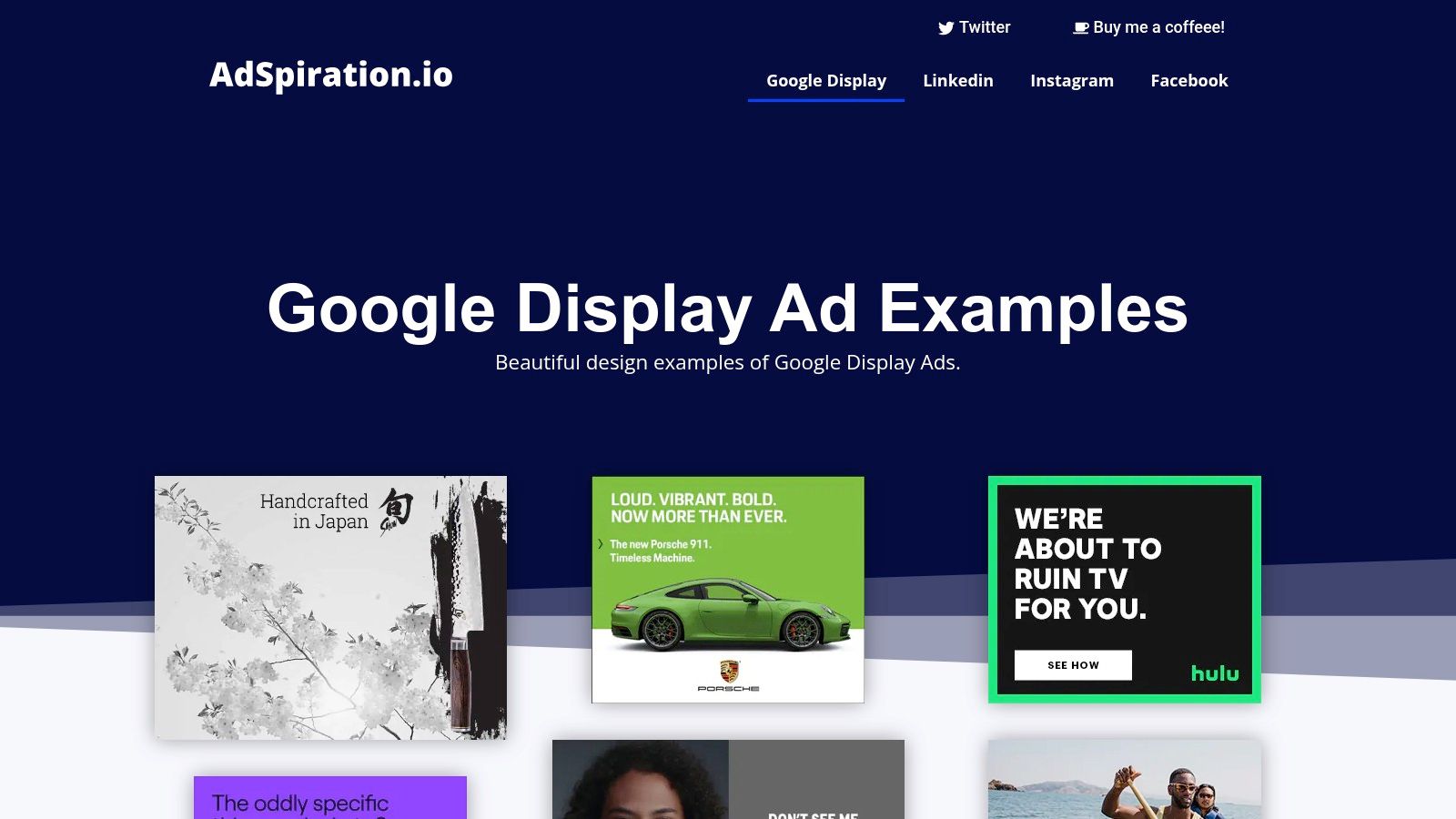
Sometimes you don't need a complex spy tool; you just need a shot of pure creative inspiration. Adspiration is exactly that: a focused, curated gallery of google ads examples, specifically for the Display Network. It's a lightweight visual swipe file I use when my creative team is brainstorming new layouts or messaging angles.
It strips away all the heavy data and analytics, focusing entirely on the creative execution. Think of it less as a competitive analysis tool and more as a digital mood board for display advertising. It’s perfect for getting ideas flowing before you dive into the technical build.
Why it's a top resource
Adspiration's strength is its simplicity. Unlike massive ad libraries that can be overwhelming, this platform offers a curated feed of high-quality display ads. You can quickly skim thumbnails to spot design trends and compelling calls-to-action without getting bogged down in metrics.
It's completely free and requires no login, making it the fastest way to get visual ideas. While you won't find data on ad spend or CTR, its value is in sparking creativity. For designers and copywriters tasked with building a new set of display banners, it’s a goldmine of proven concepts.
Practical tips for use
To get real value from Adspiration, use it as a creative springboard. Browse the gallery and look for recurring design patterns. Deconstruct the messaging to see how brands balance their message with a direct offer in a small space. Screenshot 5-10 ads that catch your eye and use this collection as a visual reference to guide your creative team.
Ultimately, Adspiration is about efficiency. It helps you avoid reinventing the wheel on design. When you're ready to move from inspiration to implementation, check out these other PPC ad examples for a broader view of what works across different ad networks.
- Pricing: Free
- Access: Publicly available
- Website: https://adspiration.io/google-display-ads/
Google Ads examples — top 7 comparison
| Tool | Complexity / Setup 🔄 |
Resources & Cost ⚡ |
Expected Outcomes & Impact 📊⭐ |
Ideal Use Cases / Tips 💡 |
|---|---|---|---|---|
| Google Ads Transparency Center | Low — web search UI, no setup | Free; no installs or accounts required | High-quality first-party creative examples; no performance or spend data | Start here for credible Google-format examples; pair with analytics for performance |
| Semrush – Advertising Research | Medium–High — learning curve for full workspace | Paid tiers; higher plans unlock deeper data and exports ⚡⚡ | Structured competitor PPC intel with keywords & seasonality context 📊 | Agencies and growth teams building tests and reports; use exports for analysis |
| SpyFu – Google Ads Ad History | Low–Medium — simple interface for ad timelines | Affordable plans; API/export options for power users ⚡ | Long historical ad snapshots and keyword-level ad mapping; good for swipe files 📊 | Budget-conscious competitor research; quick copy mining and timelines |
| iSpionage – PPC + Landing Page Gallery | Low–Medium — setup alerts and browse gallery | Paid plans (trial recommended); US-centric coverage | Ad + landing page examples for full-funnel insights; export/reporting varies 📊 | CRO and messaging teams studying post-click experiences; vet support and coverage |
| Adbeat – Display Ad Intelligence | Medium — display-focused workflows and comparisons | Higher-priced (agency-focused); some plan details via sales ⚡ | Rich display creatives, publisher & placement context; side-by-side comparisons 📊 | Display strategy, publisher mapping and creative testing; use Ad Locker for collections |
| Envato Elements – Display Template Library | Low — download-ready templates, requires editing | Subscription with unlimited downloads; design skills required ⚡⚡ | Accelerates production of many editable display variants; quality varies | Agencies needing volume of assets; vet templates for policy/spec compliance |
| Adspiration – Curated Display Examples | Very low — browse curated gallery | Free; no login required | Fast visual inspiration and moodboards; no spend or performance context 📊⭐ | Quick ideation for creative teams; use as lightweight swipe file, not a data source. |
Final thoughts
Alright, we’ve just gone through a beast of a list. We've dissected everything from high-intent search ads to eye-catching display creative. The goal wasn't just to show you a gallery of pretty google ads examples; it was to give you a framework for reverse-engineering what works and, more importantly, why it works.
The truth is, staring at a blank ad group is one of the most creatively draining parts of this job. But you don't have to start from zero. The internet is a massive, living library of what your competitors are doing and what your audience is responding to. Tools like Semrush, SpyFu, and the Google Ads Transparency Center aren't just for snooping; they're for learning, adapting, and getting a strategic edge.
Key takeaways from these examples
Looking back at all the ads we analyzed, a few core principles stand out. These are the fundamental truths of effective paid media that separate the campaigns that scale from those that stall out.
- Message-to-market match is everything. The most successful google ads examples showed a clear, consistent line from keyword intent to ad copy to landing page promise. A brilliant ad pointing to a mismatched landing page is a waste of money.
- Context dictates creative. A top-of-funnel display ad on a news site needs a completely different approach than a bottom-of-funnel retargeting ad. Don't just copy-paste your search ad headlines into your display creative and call it a day. That's just lazy.
- Automation is your leverage. The best marketers aren't manually A/B testing every single headline variation. They're building systems, using tools, and leveraging automation to test concepts at scale. They focus on the strategy, not the tedious implementation.
How to put this into action
Okay, enough theory. You've seen the examples, you've got the tools. What now? Don't just go back to your campaigns and tweak a few headlines. Think bigger.
- Start with one competitor. Pick your most aggressive competitor and run them through SpyFu or Semrush. Don't just look at their ads; look at their ad history. What did they stop running? What have they been running for months? That's where the gold is.
- Audit your landing pages. Before you write a single new ad, look at your top 3 landing pages. Now, find 5 competitor ads pointing to similar pages using iSpionage. Is your page's promise as clear and compelling as theirs? Be honest.
- Build a testing roadmap. Based on your research, create a simple backlog of test ideas. Maybe it's a new angle for your RSAs, a different CTA for your display ads, or a new value proposition. Schedule one test per week for the next month. Action beats analysis every time.
Ultimately, browsing through google ads examples is only useful if it leads to action. The difference between a good marketer and a great one is the speed at which they can go from insight to implementation. So, take these tools, these frameworks, and the inspiration from these ads, and go build something that converts.
Tired of manually creating endless ad variations from the google ads examples you just found? That’s where dynares comes in. It uses AI to scale your ad creative and testing, turning your strategic insights into high-performing campaigns, fast. Stop the tedious work and start scaling your wins with dynares.


